 NeoPodcast
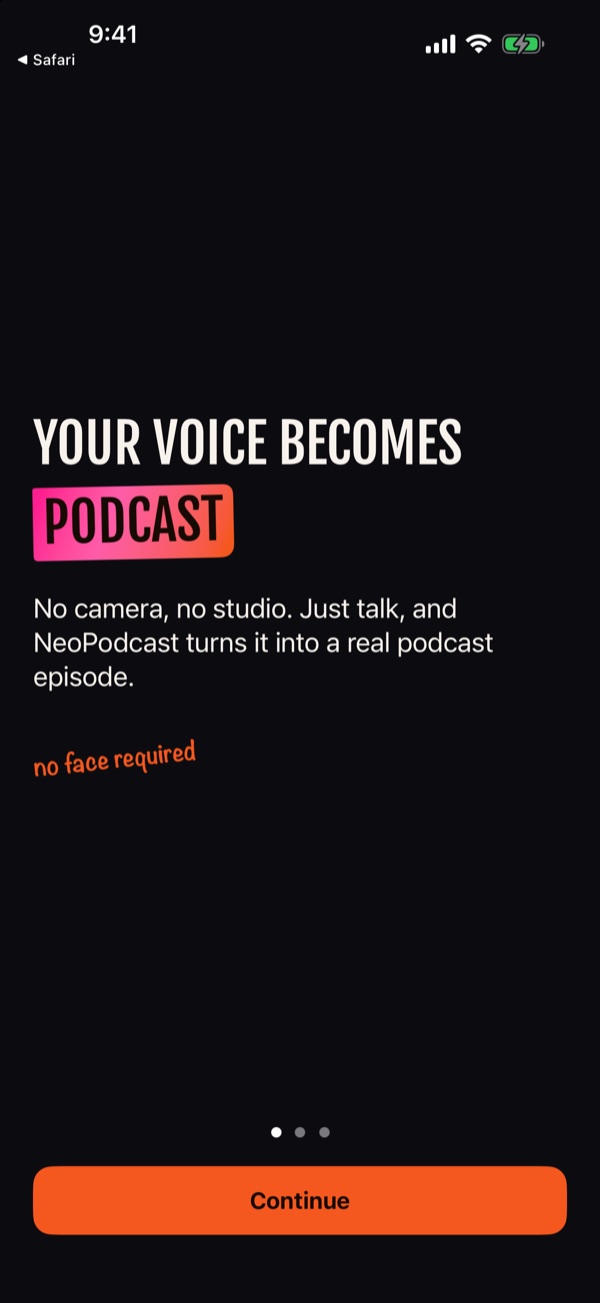
Your voice becomes
a podcast
The easiest way to create a podcast from your phone. Record on your iPhone, or share a voice memo, and NeoPodcast turns it into a real episode: transcribed, published, and ready for Apple Podcasts, Spotify, Deezer and YouTube.
Three steps, zero setup
1 · Record or import
Tap record and talk, or share a recording from Voice Memos or any other app. Pause and resume whenever you like, even through a phone call.
2 · Get your transcript
Every word becomes text you can edit, transcribed privately on your phone. Add a title, show notes and chapters, and listen back before you publish.
3 · Publish everywhere
One podcast feed for every major app, plus a web page for each episode with a play button and the full transcript.
On every podcast app
- Apple Podcasts
- Spotify
- Deezer
- YouTube Music
Each platform asks you to submit your show once, with your own account. That's the step that stops most people, so NeoPodcast walks you through each one: your feed link on a copy button, numbered steps for that platform, and a check that your feed is valid before you submit. After that, every new episode appears everywhere on its own.
Built for voices,
not faces
- No camera, no studio. Your phone's microphone is enough for speech. A quiet room matters more than any gear.
- A link that works everywhere. A Spotify link only works for Spotify users. Every episode also gets a web page with a player you can post in a message, a group chat or your bio.
- Found through your own words. Search engines can't listen, but they can read. Your published transcript lets people find you through what you actually said.
- Cover art without a photo. Pick a typographic template with your show's name, or upload your own image, at the size Apple Podcasts asks for.
- Private until you publish. Transcription happens on your iPhone or iPad. Nothing is public until you decide it is.
- Free to start. Your first three episodes are free, including publishing and the guide for every platform.
Good questions
How do I make a podcast with just my phone?
Open NeoPodcast, tap record and talk. When you stop, the app transcribes your recording on your device. You add a title and a short description, and publish. Your episode gets a real podcast feed and its own web page you can share anywhere.
Can I turn my existing Voice Memos into podcast episodes?
Yes. In Voice Memos, tap Share and choose NeoPodcast. You can also import audio files from Files, iCloud Drive or Dropbox.
How do I get my podcast on Spotify, Apple Podcasts, Deezer and YouTube?
Each platform asks you to submit your show once, with your own account. NeoPodcast gives you your feed link on a copy button, walks you through each platform step by step, and checks your feed before you submit. After that, new episodes show up on every platform automatically.
Do I need to show my face or use a camera?
No. NeoPodcast is audio only. It is built for people who want an audience for their voice without appearing on video.
Do I need a microphone or a studio?
No. Your iPhone's microphone is good enough for speech; a quiet room helps more than any gear. If you import a recording made at low quality, NeoPodcast warns you before you publish.
Is my recording private?
Transcription runs on your iPhone or iPad, so your audio is not sent anywhere to be transcribed. Nothing is public until you choose to publish it.
Is NeoPodcast free?
You can start for free: your first three episodes, including publishing and the guides for every platform, cost nothing.
Which languages does it support?
The app is available in English, French, Spanish, German, Italian, Japanese, Korean, Brazilian Portuguese and Simplified Chinese, and transcribes every language Apple's on-device speech recognition supports.
When can I download it?
NeoPodcast is coming soon to the App Store for iPhone and iPad running iOS 26 or later.